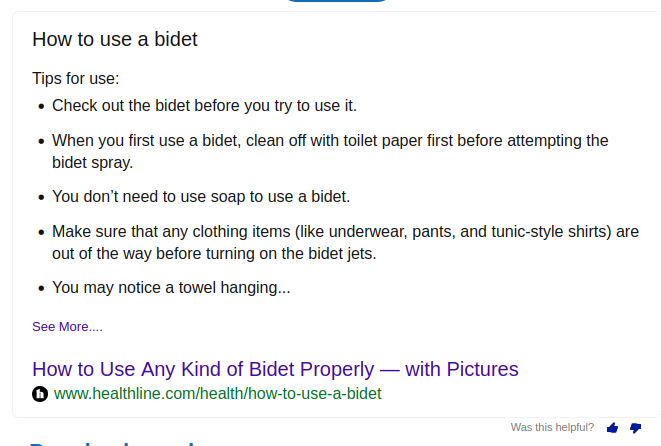
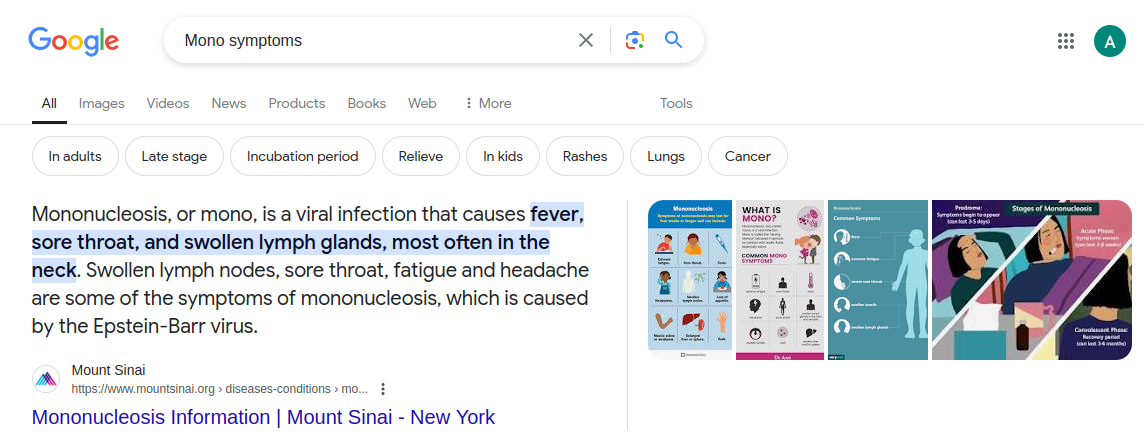
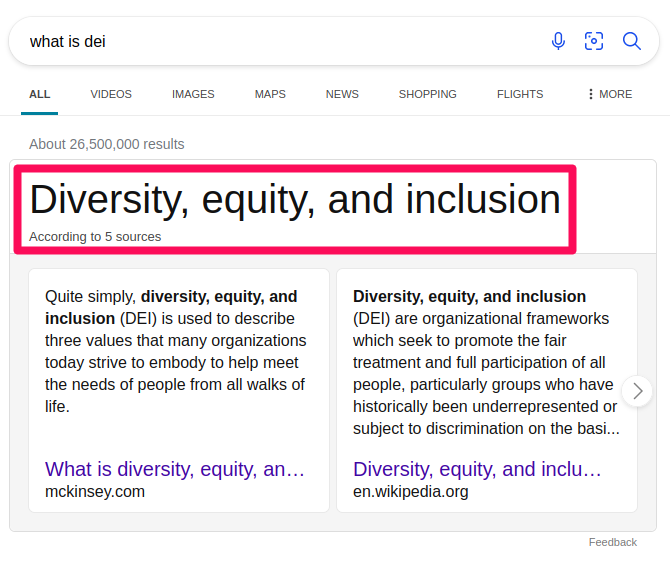
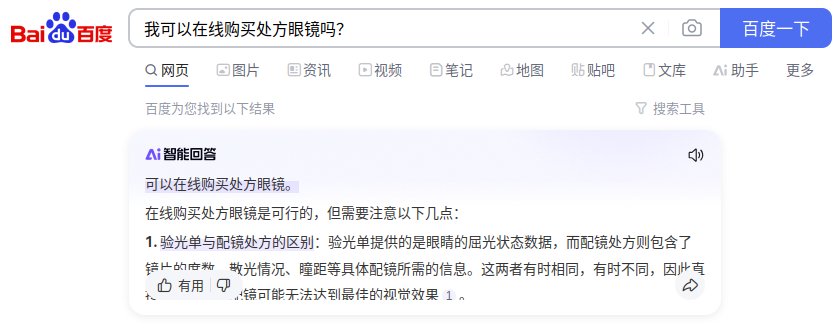
Features

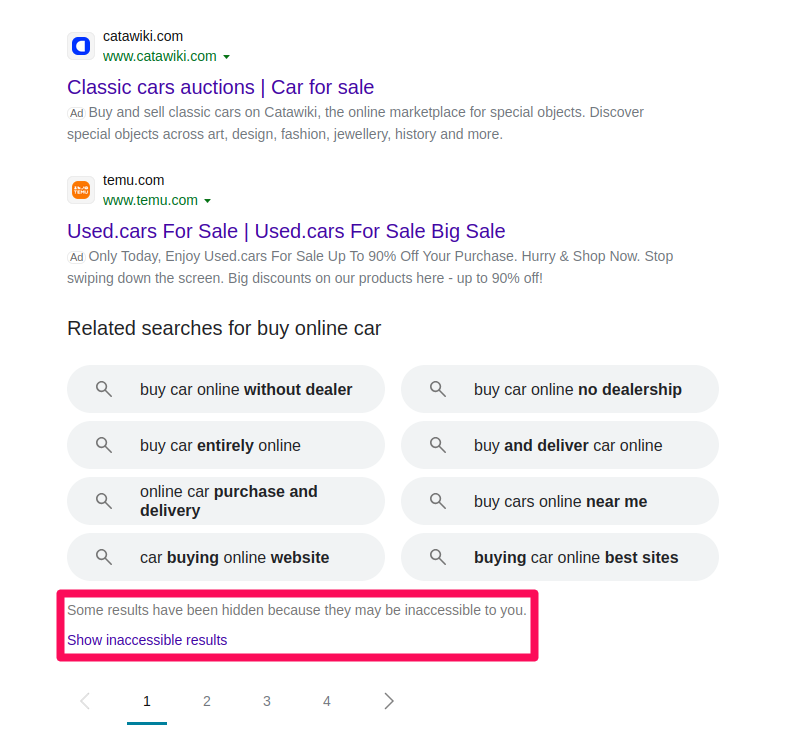
Several elements, known as SERP features, have been incorporated into the SERP to enhance its functionality. These features attempt to deliver answers to the search query and assist users in the search process rather than just linking to websites that may contain the desired information, as textual results do.

Although the enriched elements of the textual results can also be considered features according to Google’s documentation on this topic, this work adopts a classification approach aligned with the existing literature. Specifically, we define SERP features as unpaid enhancements the search engine provides to improve the search experience, whose formats are different from the textual listing format.

Exploration Features

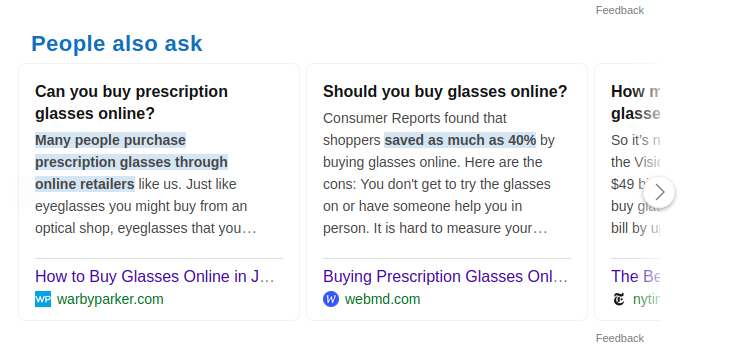
Exploration features are a category of SERP features that help users explore more questions, searches, or topics related to their original search query. Below are presented all the identified features categorized as exploration features.

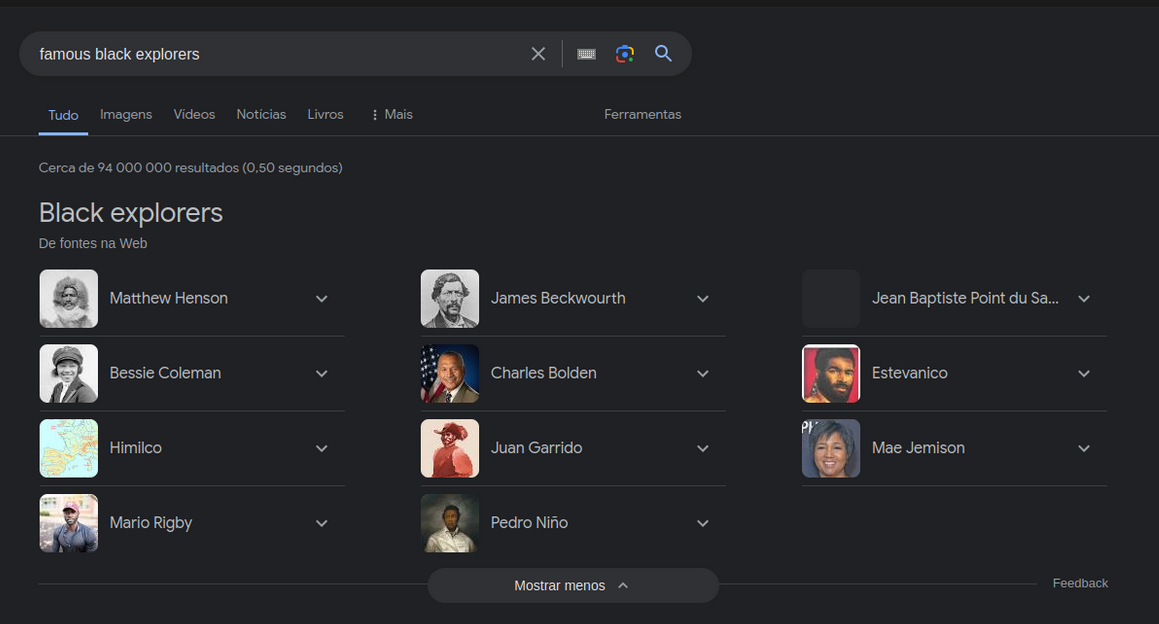
A set of questions related to the user's original search query. Also known as 'Related Questions Group'. Clicking on a question expands it to show a brief answer, often extracted from a relevant webpage.
Example for Bing
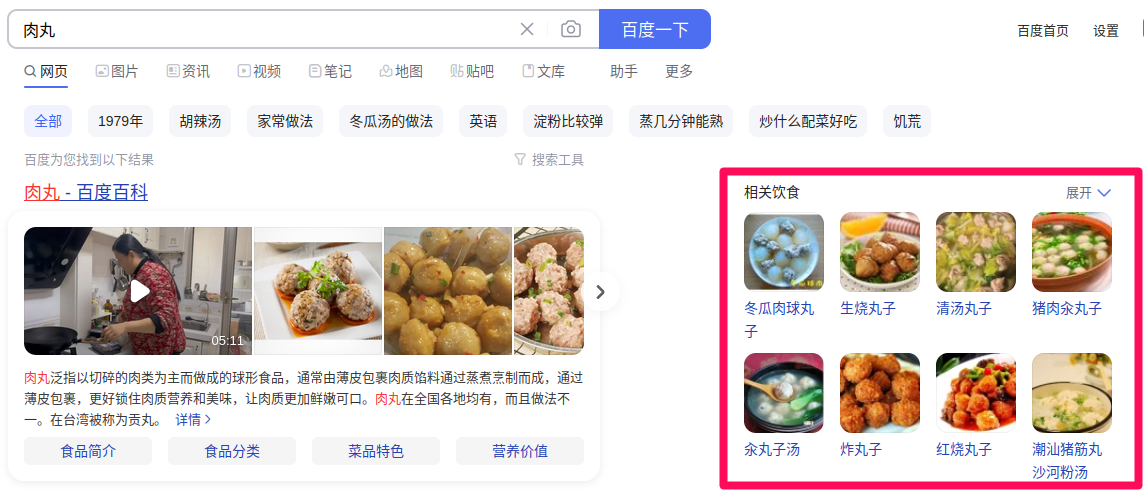
A list of related searches automatically generated based on the initial query and other searches done by other people. Clicking one redirects the user to a new search results page. Also known as 'Everyone is still searching' or 'People also search for'.
Example for Baidu
Similar to the related searches feature with queries related to the search terms, but the chatbot provides the answer.
Example for Baidu
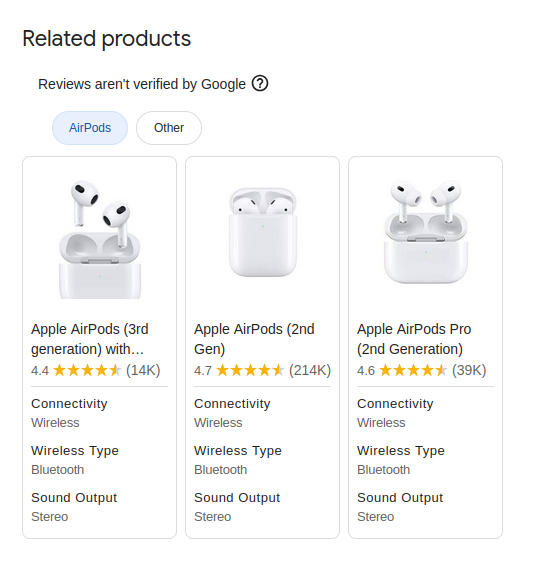
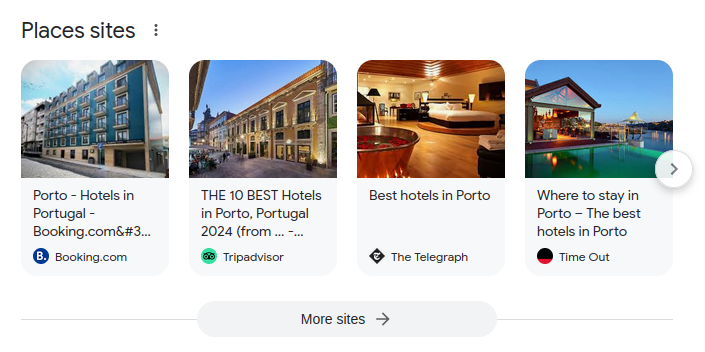
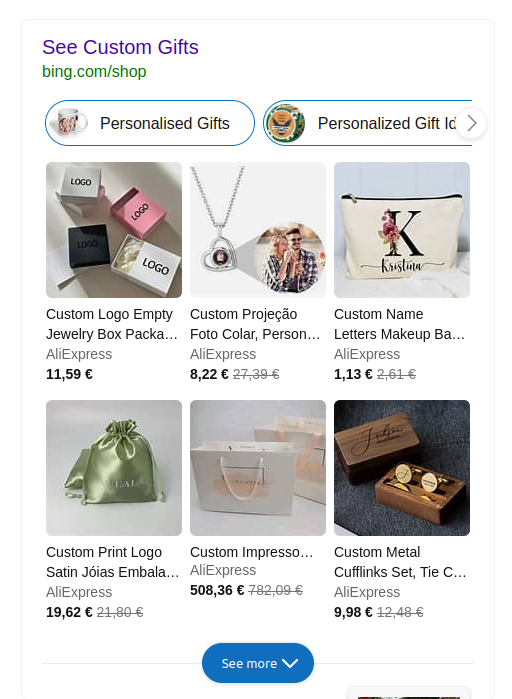
Information that Google gathered about products available to buy and related to the search query.
Example for Google
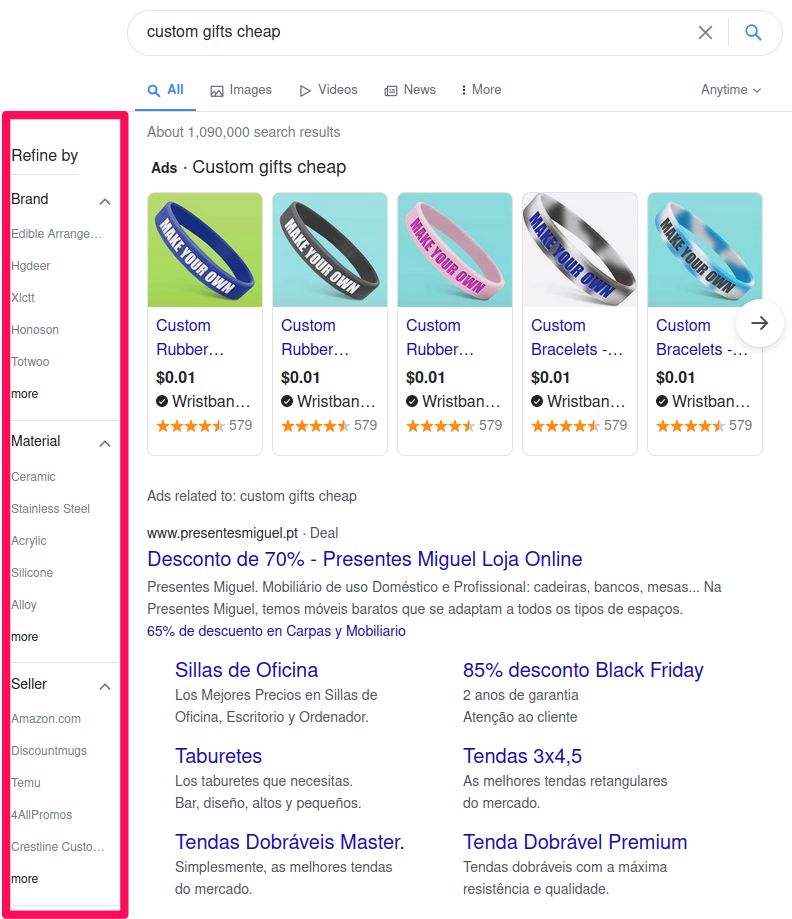
Additional word tags that, when clicked, generate a new results page whose search query is composed of the original search query and the extra word tags clicked on.
Example for Baidu
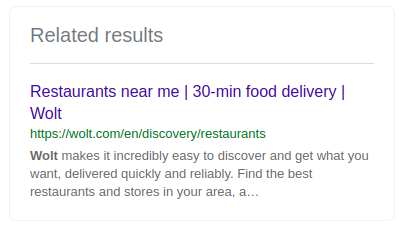
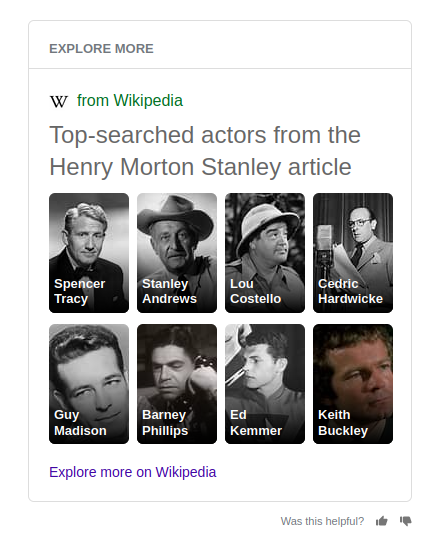
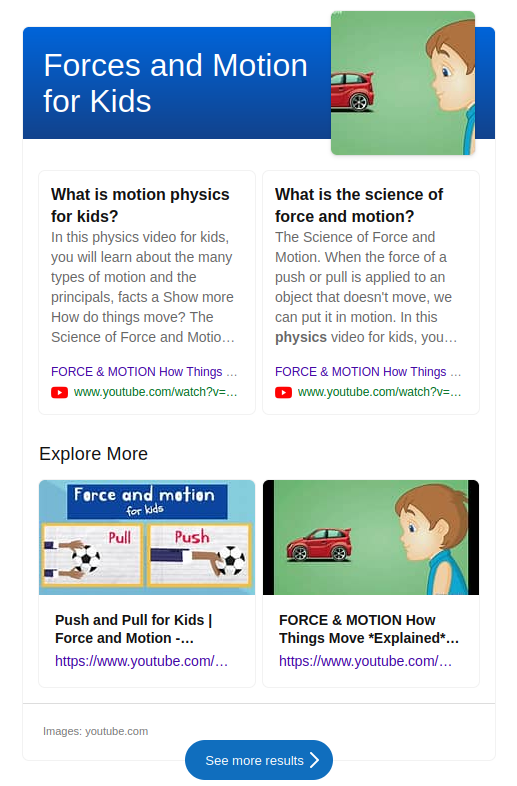
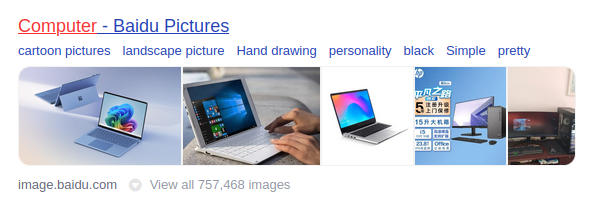
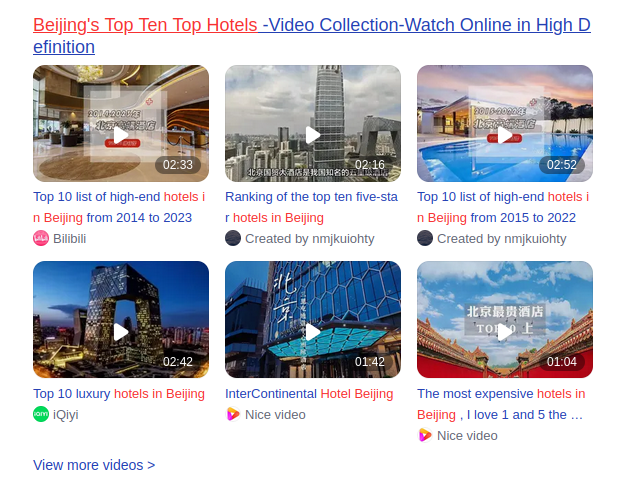
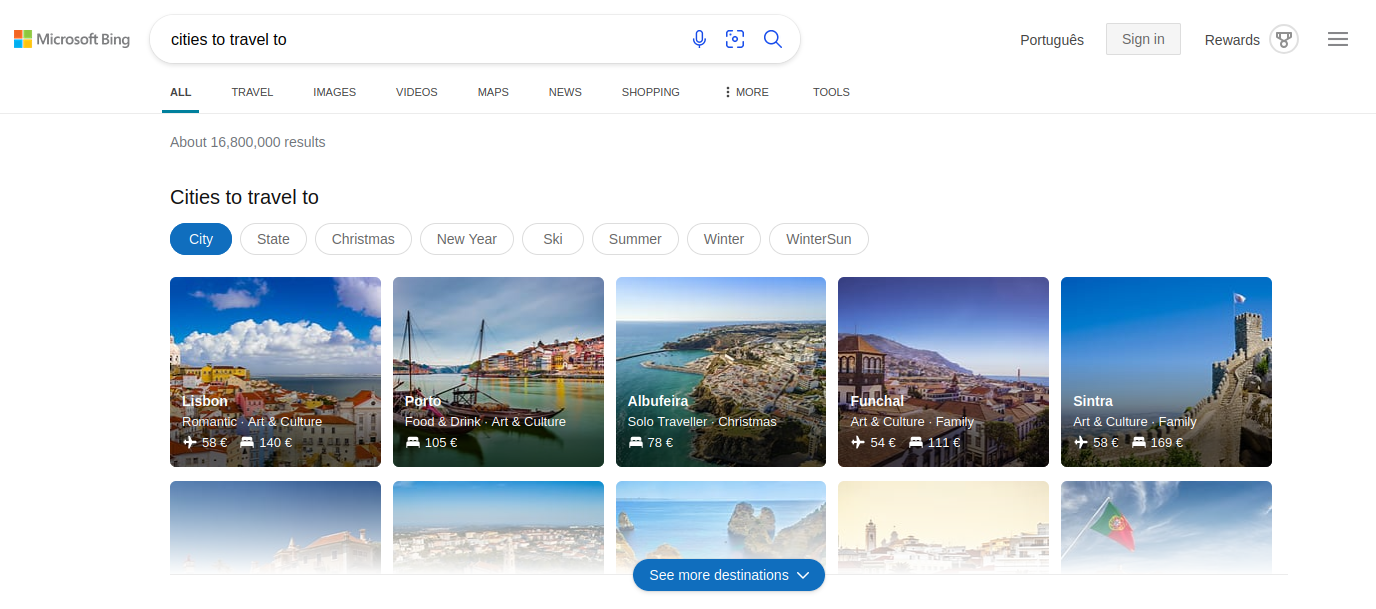
A section typically composed of image thumbnails and links, providing content related to the user's search query.
Example for Bing
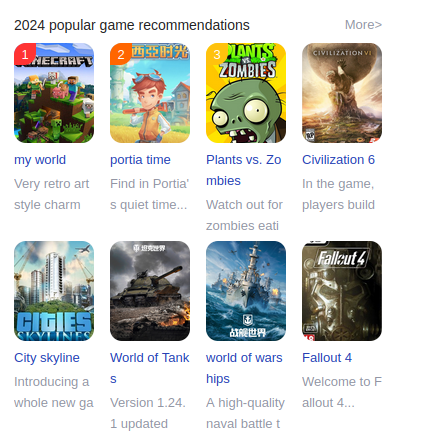
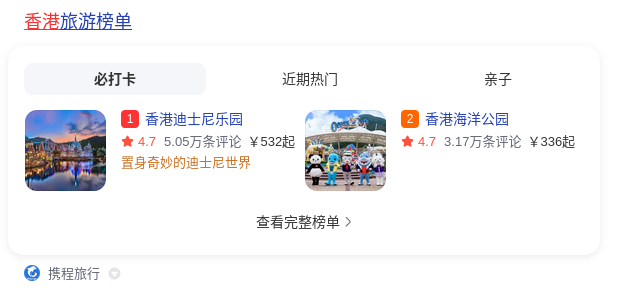
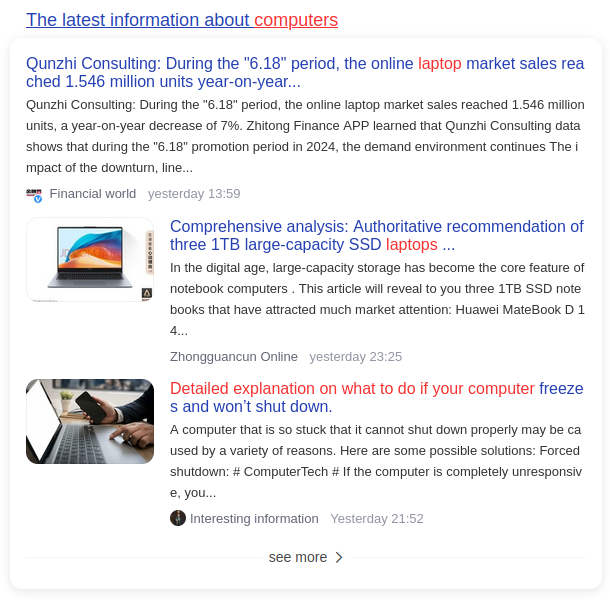
A section composed of image thumbnails and text descriptions of items, such as games, that are currently trending.
Example for Baidu
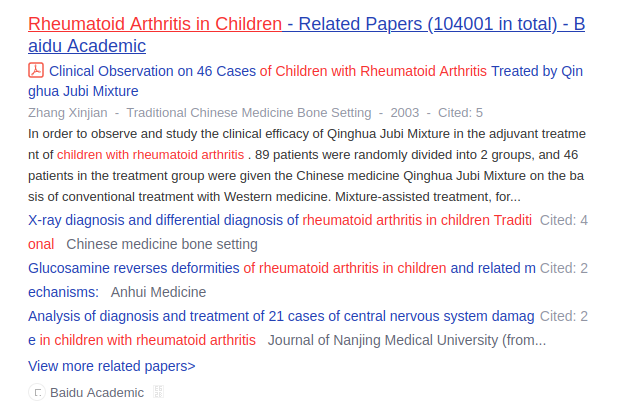
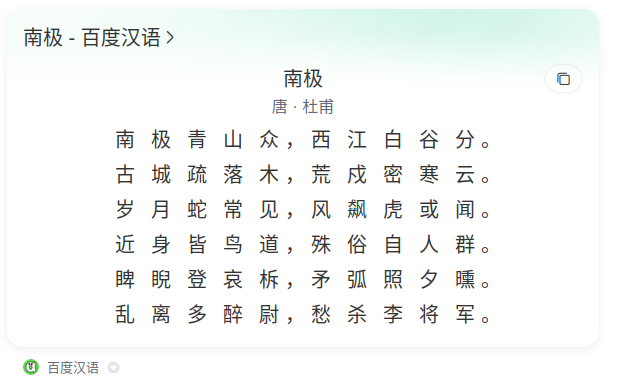
Links that direct users to the search engine's academic pages or directly to scientific documents related to the search query.
Example for Baidu
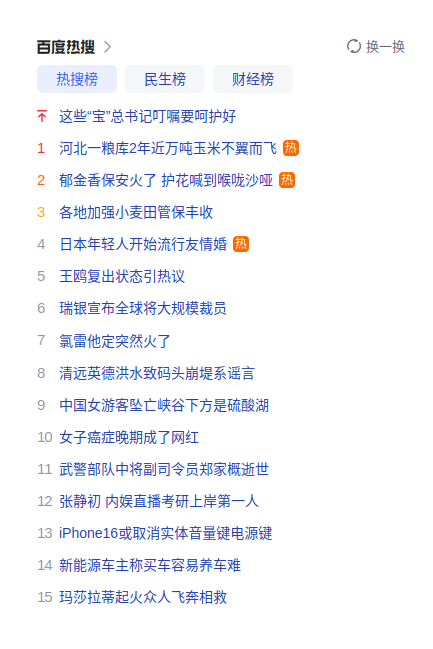
A list displaying the most searched search queries at the moment.
Example for Baidu

Search Refinement Features

Search refinement features assist the user in refining their search in order to find more suitable results. Below are presented the search refinement features identified during this analysis.

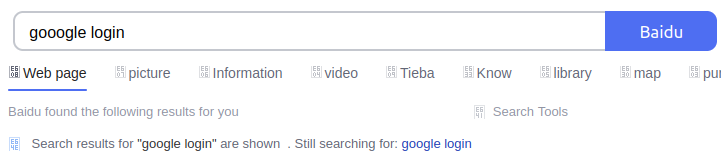
Search engines detect spelling errors in search queries, automatically correct them, and allow users to revert the correction if needed.
Example for Baidu
Search engines provide a disambiguation box to clarify multiple meanings of a query, helping users find the intended information.
Example for Google
This feature allows users to select a specific location to which the search results displayed are associated.
Example for Google
Google recommends users to limit the search results to a language.
Example for Google

Zero-Click Answers

Zero-Click Answers, also referred to as Answer Modules, are features designed to provide brief and informative responses to a user’s search query, delivering immediate answers without requiring users to click on any search results. Multiple features of this category are described in the following sections.

Direct Answers

Direct Answers, also known as Answer Boxes, are a type of Zero-Click SERP feature designed to provide concise, instant responses to search queries. These answers are often displayed in a widget format, sometimes allowing user interaction. The information presented in Direct Answers may be originated from the search engine’s knowledge graph or from trusted data partners. Below are presented the direct answers identified.

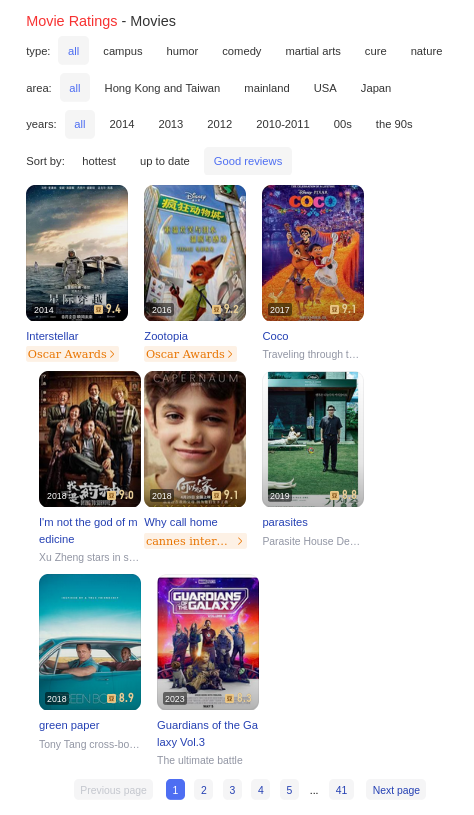
Also known as Brief Answer, this feature provides quick answers on topics such as past or upcoming holidays and events, famous people, movies, sports, or places.
Example for Bing
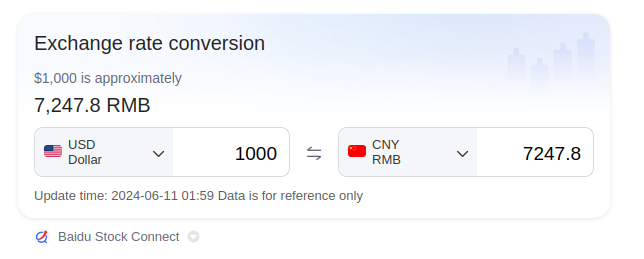
For currency conversion queries, search engines display a built-in currency converter directly on the results page.
Example for Baidu
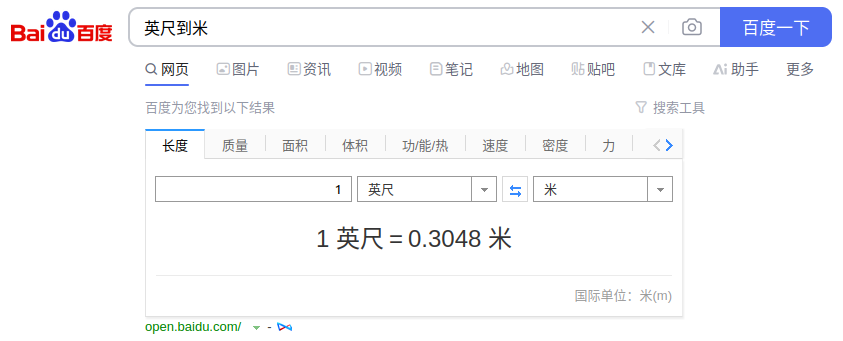
For various unit conversion queries, search engines display a built-in general converter directly on the results page.
Example for Baidu
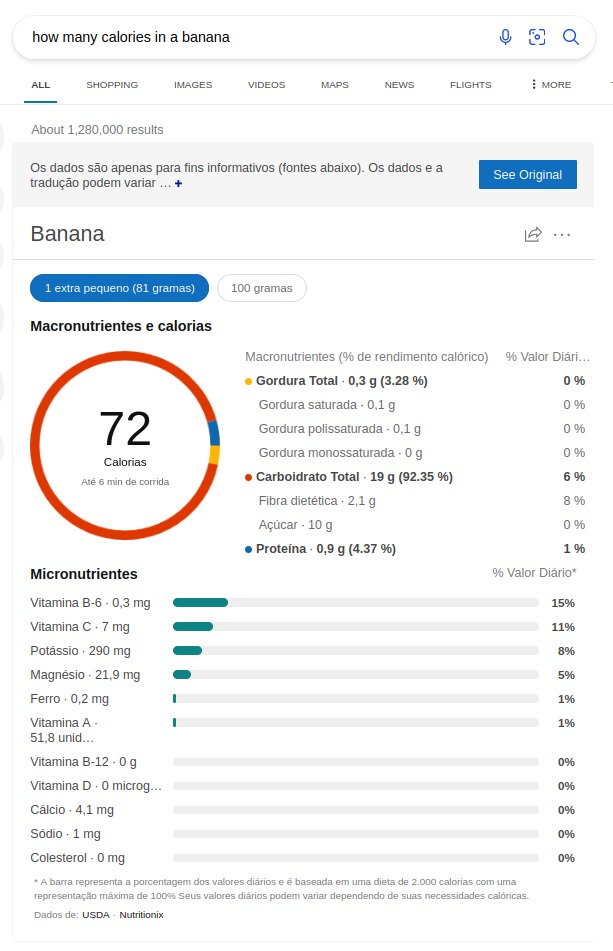
It helps assess the nutritional values of food, including calorie count, based on different portion sizes.
Example for Bing
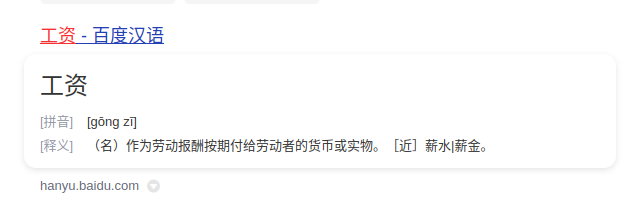
It displays word definitions, along with their form, phonetic pronunciation, and sometimes an audio clip for pronunciation.
Example for Baidu
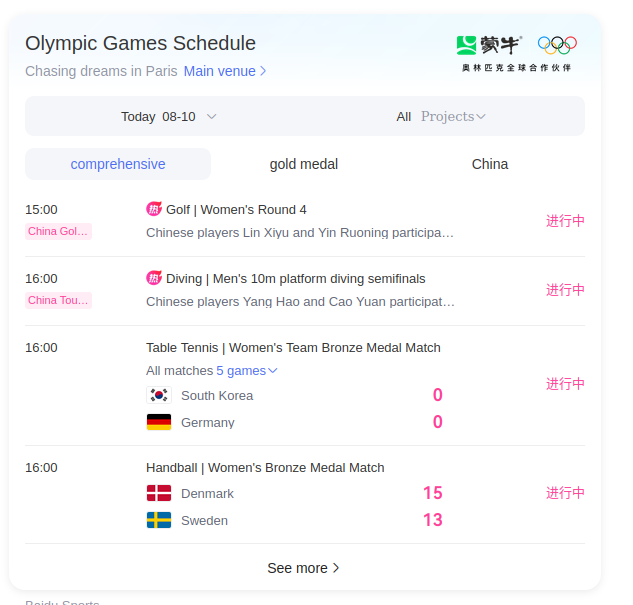
Presents a sports team's, player's, or championship's upcoming schedule, recent performance, highlights, standings, and overall record in multiple formats.
Example for Baidu
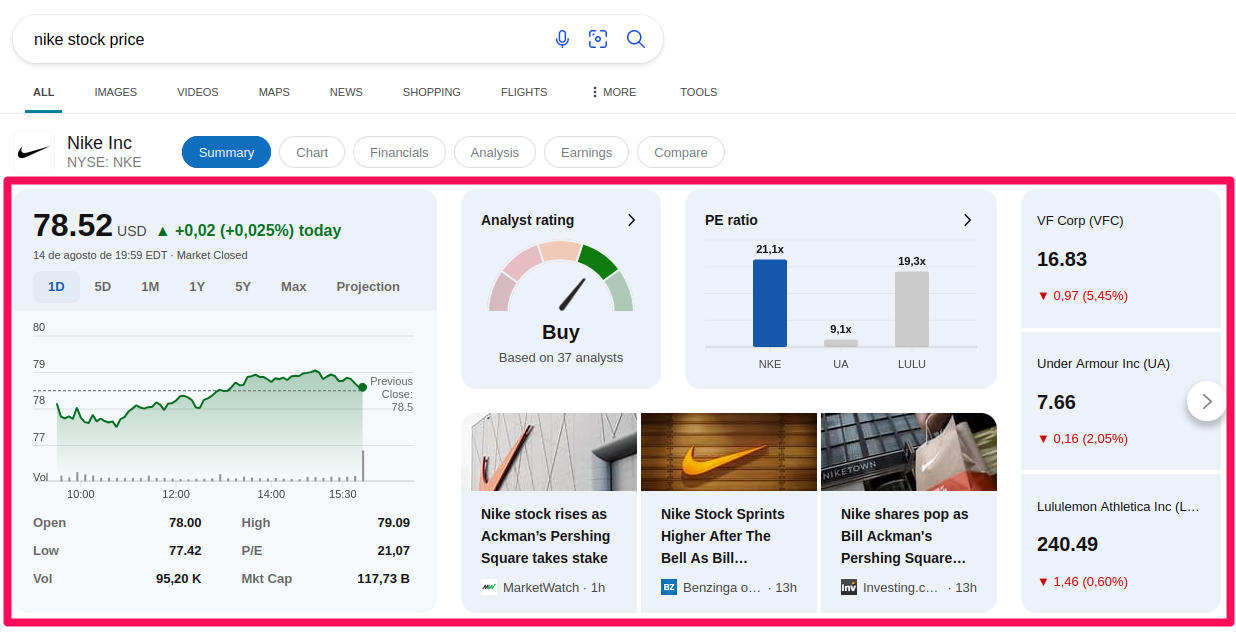
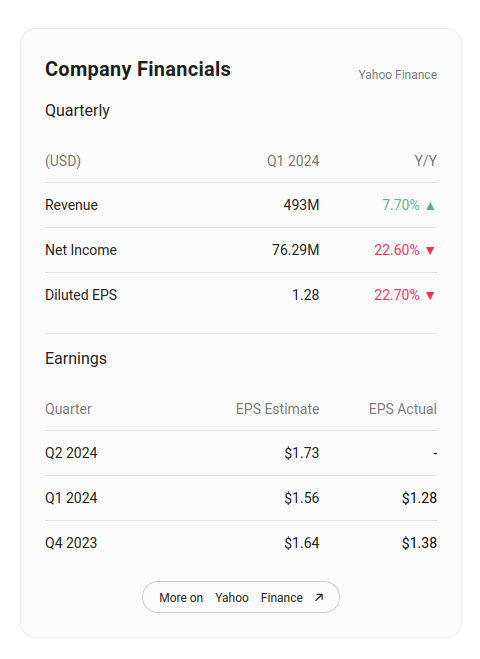
Displays stock market information, including current prices, changes, and trends for various stocks and indices.
Example for Baidu
It shows information about the current weather and upcoming weather forecast for a specific location.
Example for Baidu
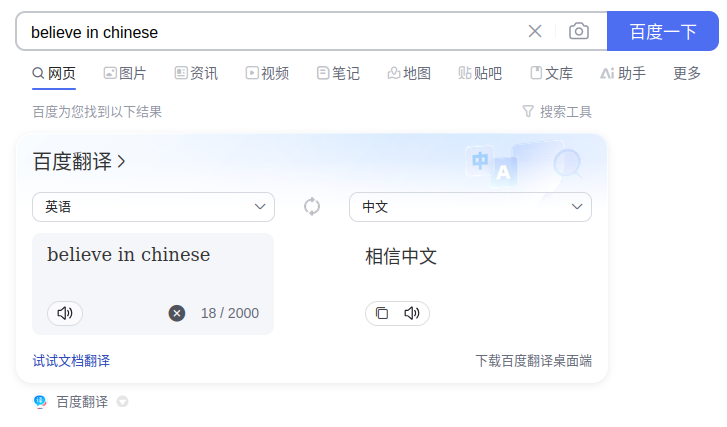
It shows an automatic translation of a word or short phrase, allowing users to switch between languages and often includes an audio clip for pronunciation.
Example for Baidu
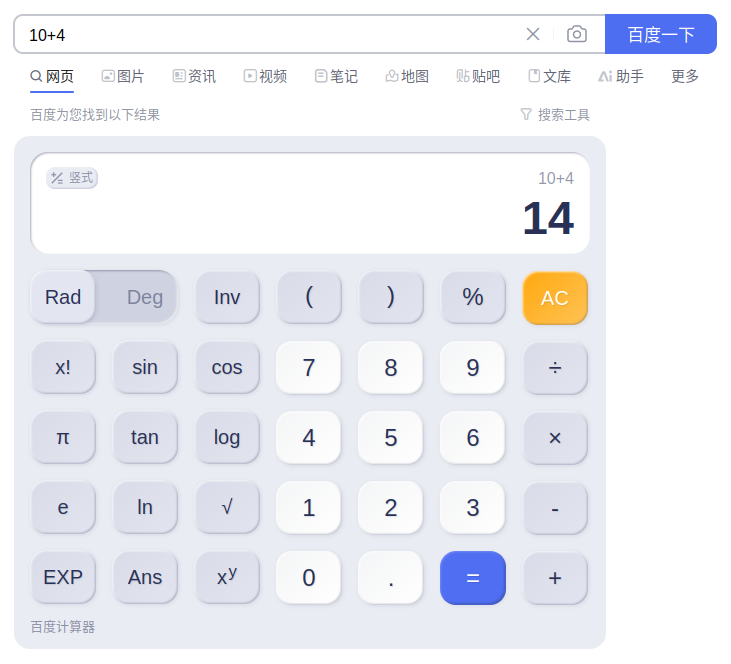
It performs mathematical calculations, displaying the results directly in the search results page.
Example for Baidu
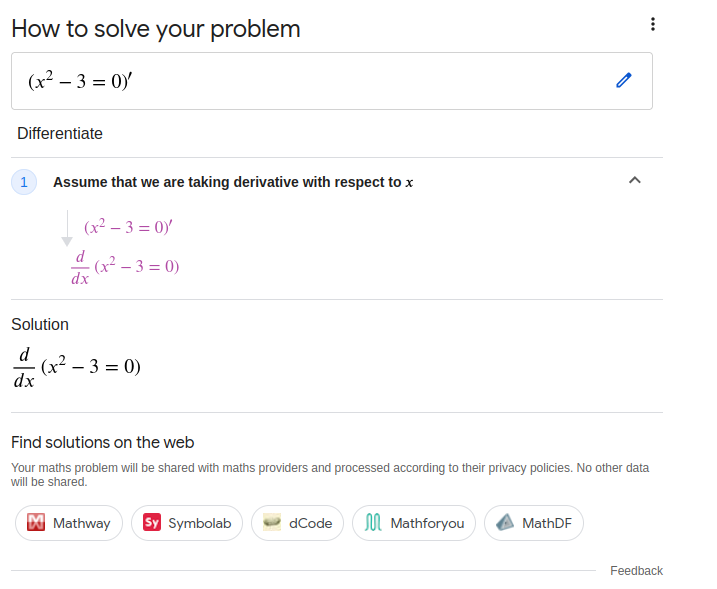
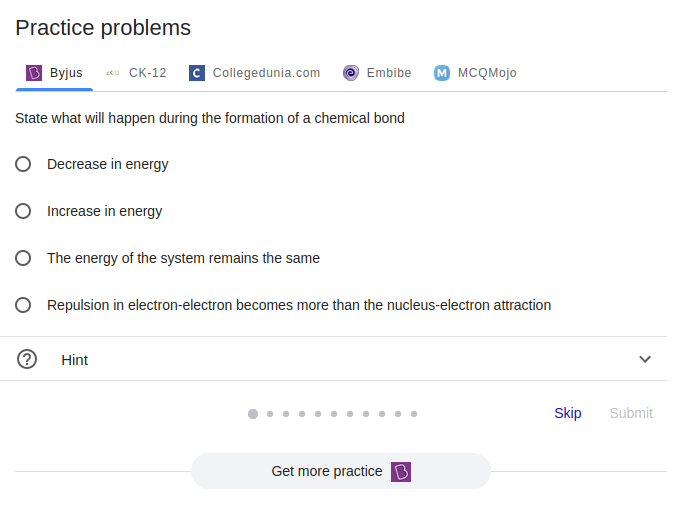
Presents the solution for a mathematical problem and a list of websites where the user can find solutions for the problem.
Example for Google
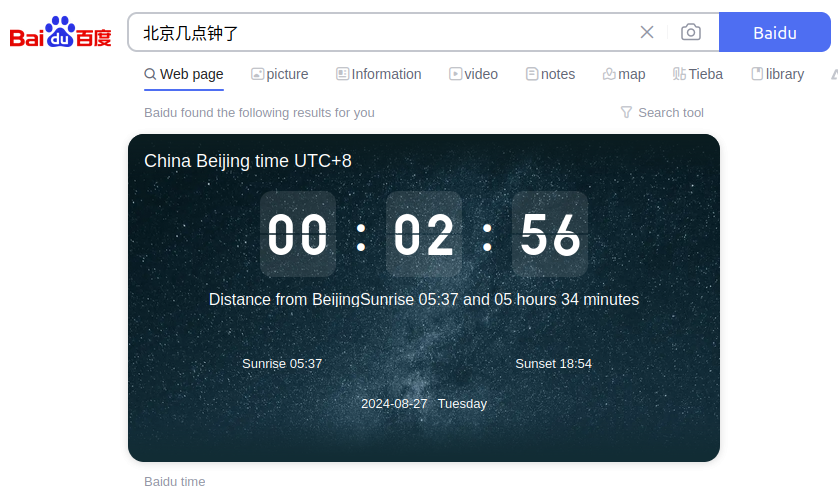
Displays the current date and time for a specific location.
Example for Baidu
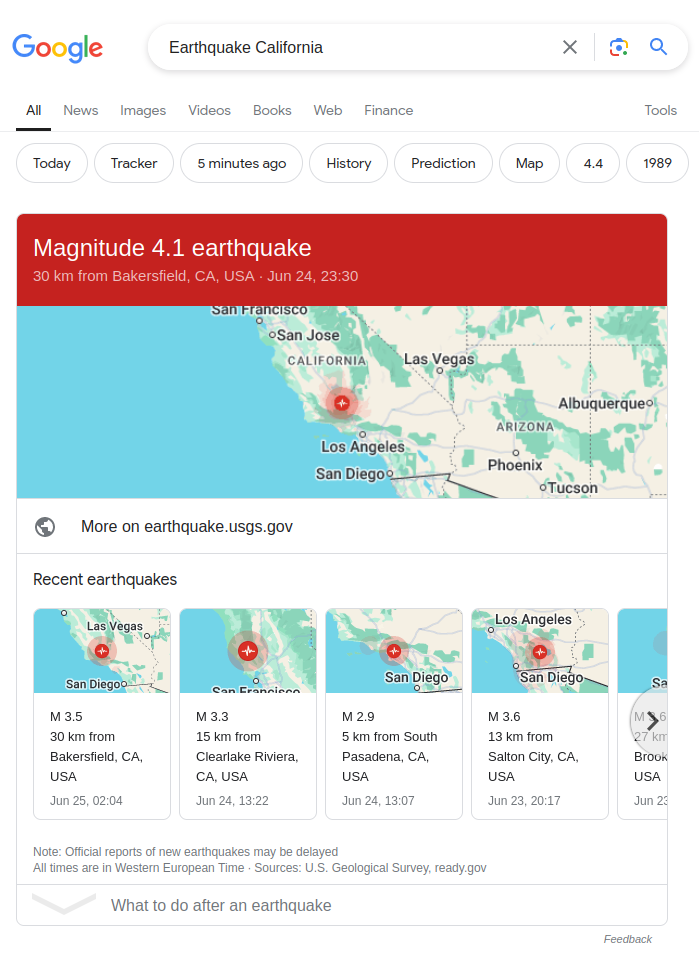
Displays an emergency alert with important information and instructions during a crisis or disaster.
Example for Google
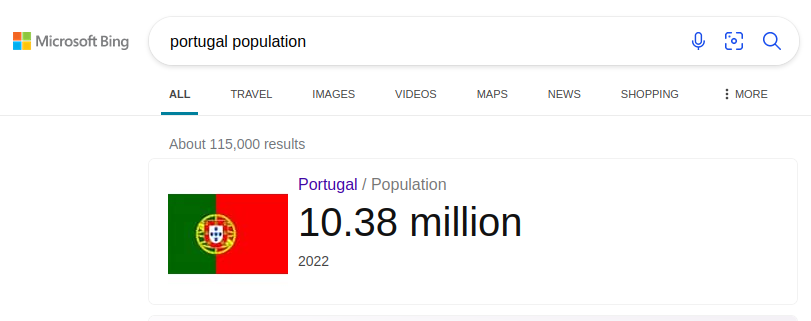
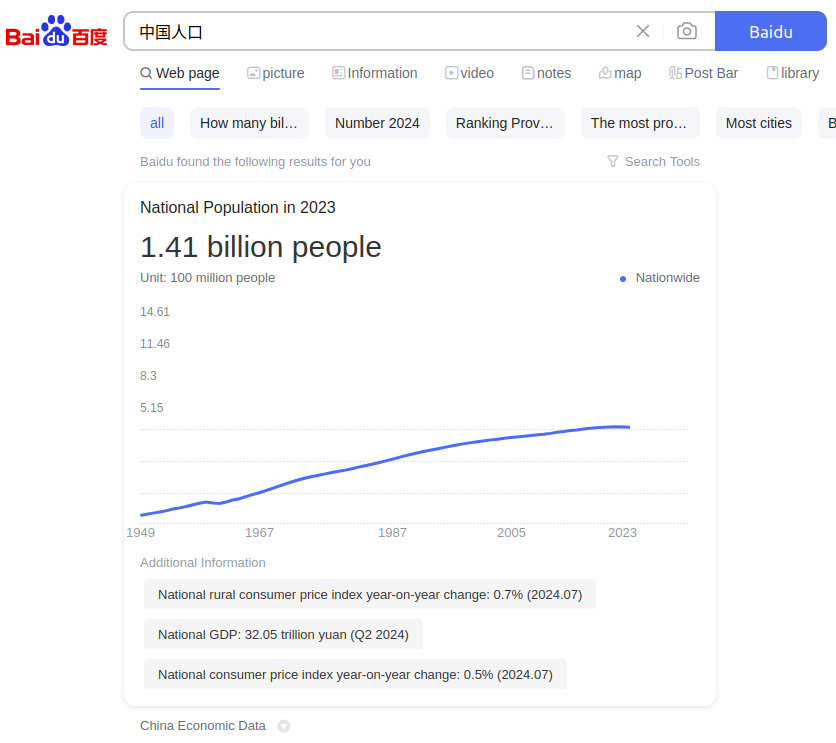
Displays a chart showing the population statistics for a specific region or country.
Example for Baidu
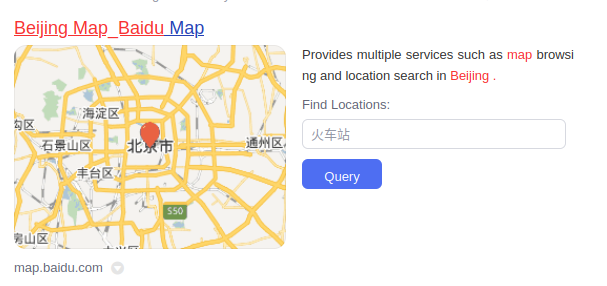
Displays the map for a specific location or area.
Example for Baidu
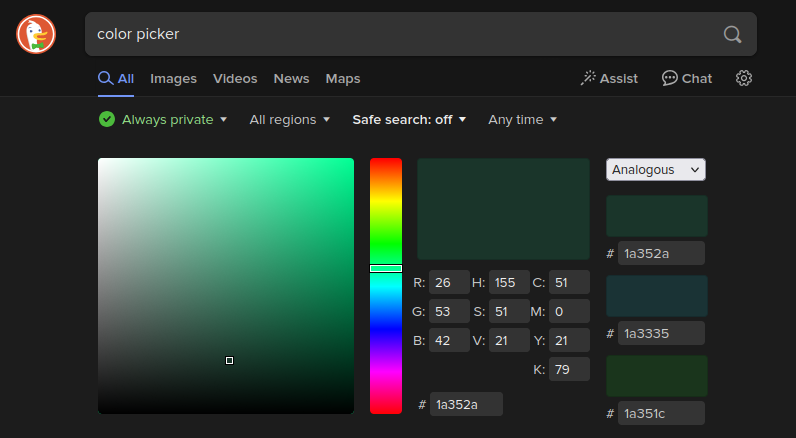
Allows users to select and explore colors.
Example for DuckDuckGo